Free/Busy Key Features Explained
Configure calendar availability sharing between different email platforms.
Overview
The Free/Busy feature enables users on different email platforms to view each other's calendar availability during a migration or coexistence period. This guide explains the key configuration options available.
Free/Busy Architecture
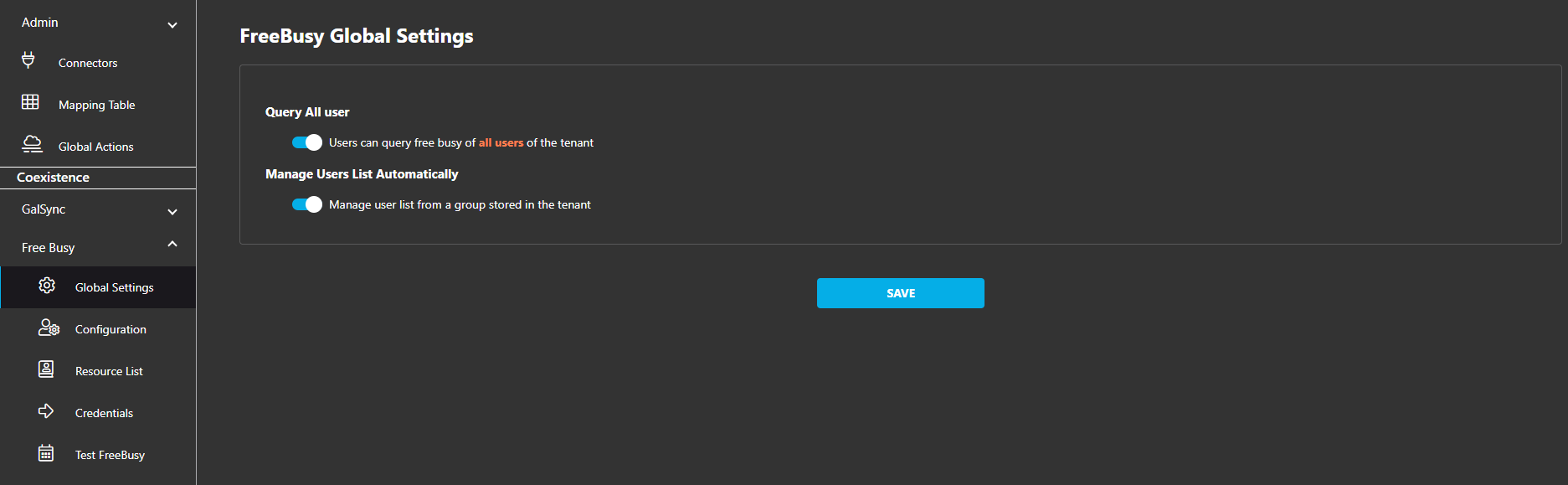
Global Settings
Query All Users
Controls which users can query calendar availability:
- ✓ Enabled: Tenant users can query availability for any user in the organization
- ○ Disabled: Users can only query those on an approved list
Manage Users List Automatically
Determines how user lists are populated:
- ✓ Enabled: System automatically pulls user lists from a tenant group
- ○ Disabled: Administrators manually manage lists via the portal, CSV uploads, or REST API
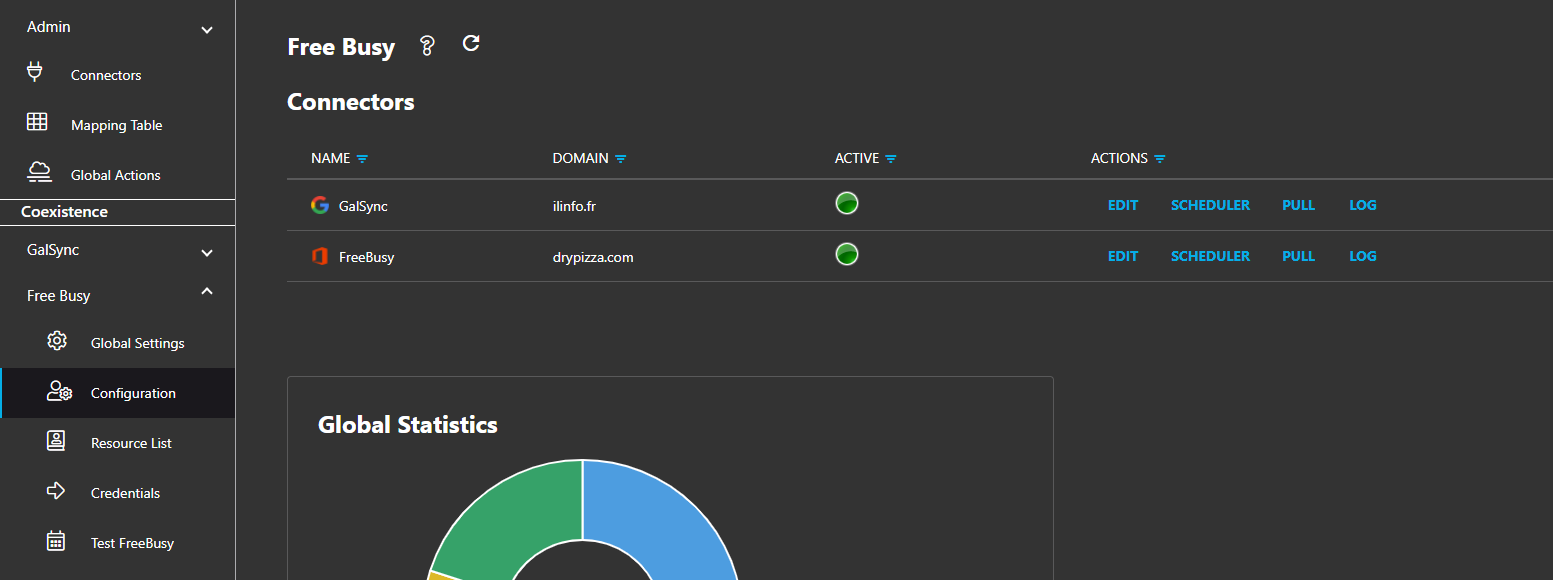
Connector Configuration
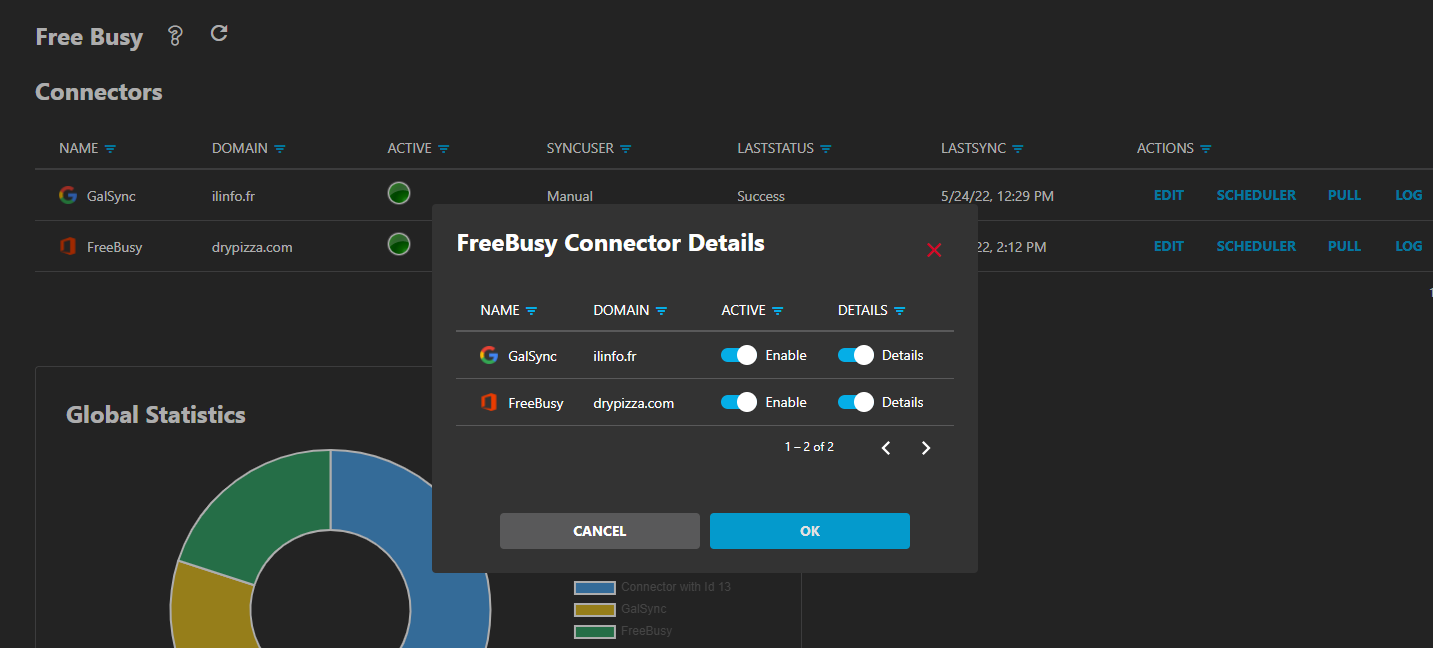
Configuration Menu Options
- • Connector Toggle: Enable or disable the connector entirely
- • Lookup Details: When disabled, the system returns only availability status (Free/Busy) without additional appointment information
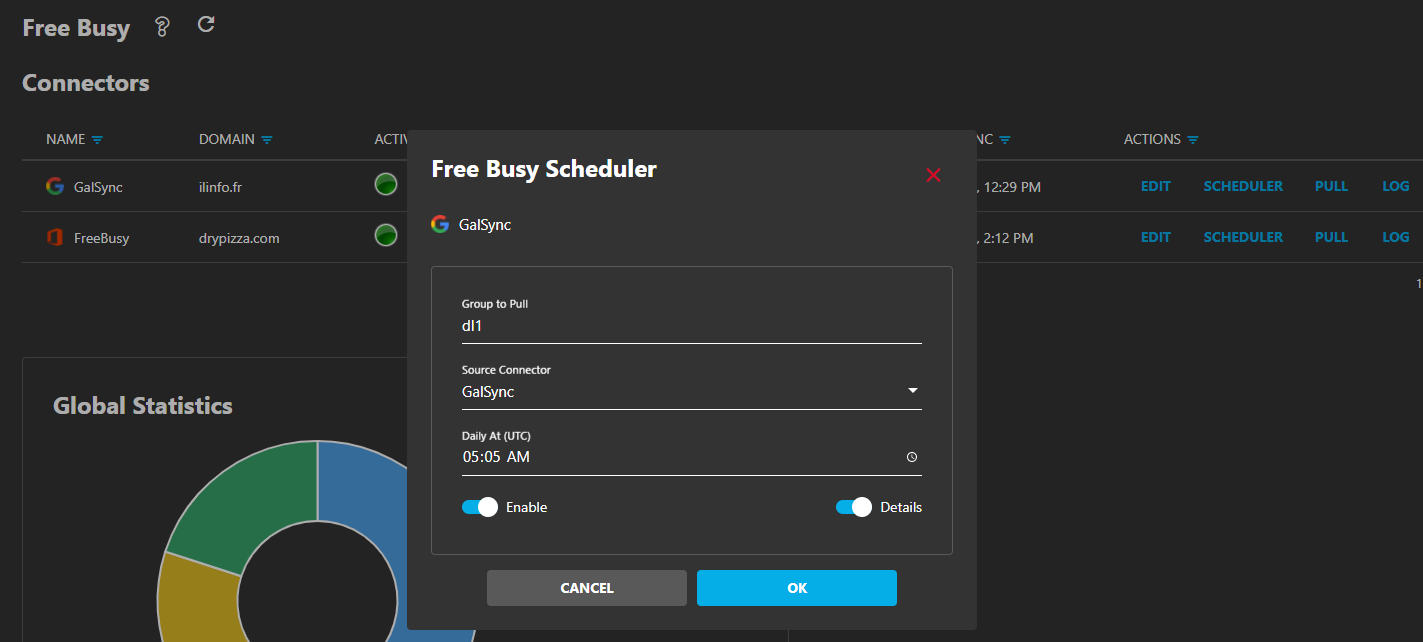
Scheduler Management
When using group-based user management, the scheduler automates the list refresh frequency.
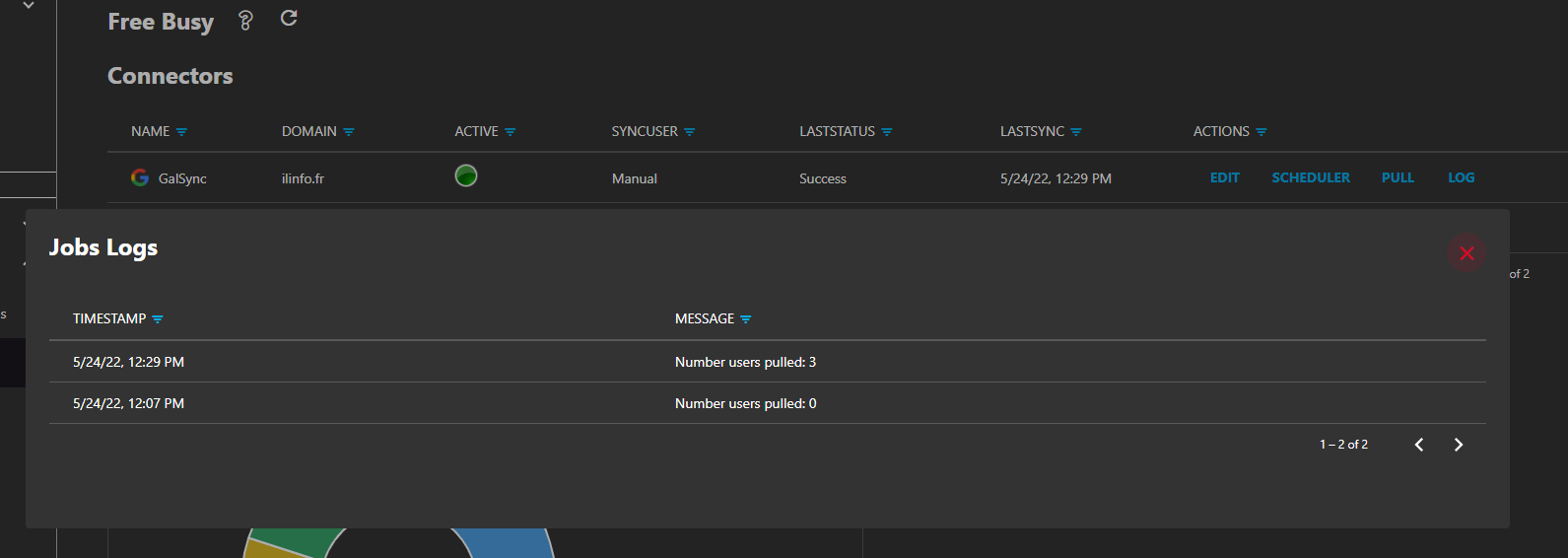
PULL
Manually refresh group membership on demand.
LOG
View pulling process logs for troubleshooting errors.
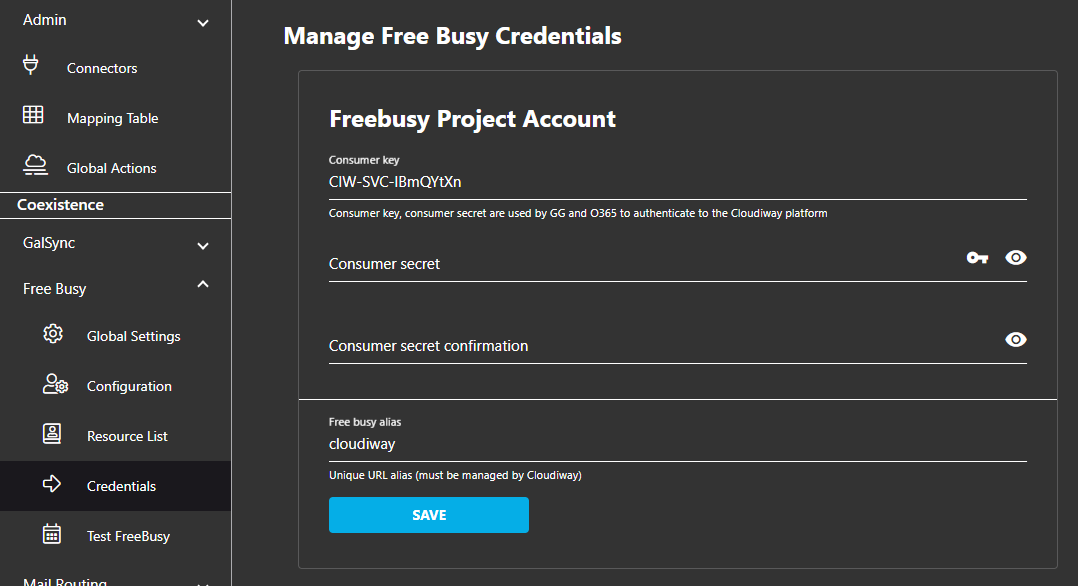
Credentials & Testing
Available Tools
Password Generator
Generate strong passwords for secure access to the Free/Busy service.
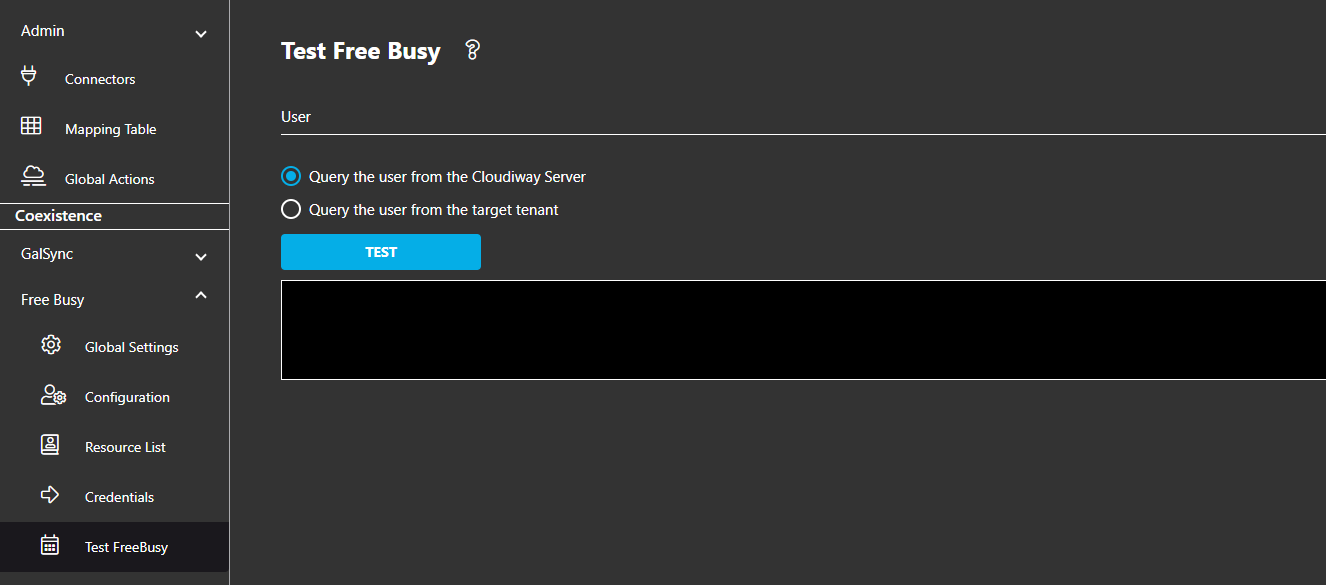
Testing Function
Query user availability either from the Cloudiway server or directly from the target tenant.
Users and Resources
Screenshots