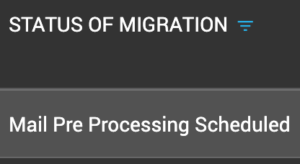
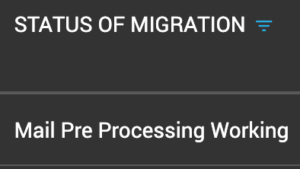
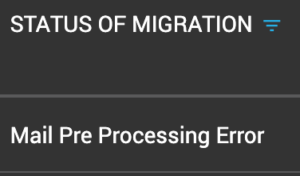
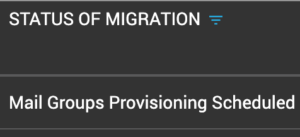
Migration Status Meanings
Understand what each status indicator means during your migration.
Overview
Cloudiway displays various status indicators throughout the migration process. Understanding these statuses helps you monitor progress and identify when intervention may be needed.
Migration Status Flow
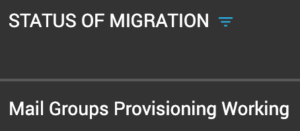
Main Migration Statuses
Not Started
Default initial status. Users can launch audits, preprocessing, or begin migration from this state.
Pending
Migration is incomplete. The platform pauses when detecting throttling or too many timeouts, then restarts automatically at the previous position without creating duplicates.
Restarting
Migration is attempting to restart after a pending state.
License Exceeded
The license has surpassed the 90-day countdown before expiration.
On Error
Migration ended unsuccessfully. Check logs for error reasons and restart if needed.
Unknown
Cloudiway has locked the object to migrate. Contact support for clarification.
Stopping / Stop
Indicates an active or completed stop request for the migration process.
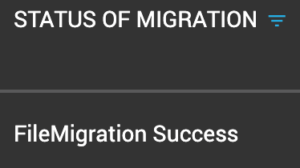
Success
Migration is finished and completed successfully.
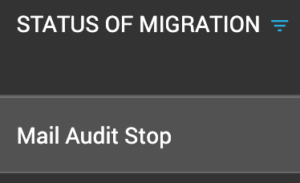
Audit Statuses
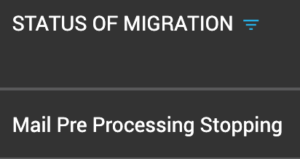
Pre-Processing Statuses
Common Causes for Pending Status
- • Google Limits: Google's 2.5GB-per-day download limit for certain data types
- • Office 365 Throttling: Microsoft throttling due to high request volume
- • Exchange Issues: Exchange on-premises configuration or connectivity problems
Automatic Recovery
Screenshots