Direct Messages: Slack to Teams
Migrate private Slack conversations to Microsoft Teams.
Last updated: 2025-01-15 How To
Overview
Direct messages are private data in Slack and require individual user permission for migration. Only users who complete the consent process will have their DMs migrated.
DM Migration Flow
📧
Send Link
Email users
→
✓
User Consents
Grants access
→
📁
DMs Migrated
To OneDrive
Consent Workflow
1
User Discovery
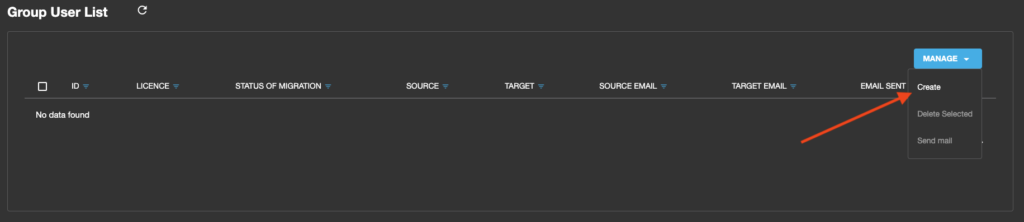
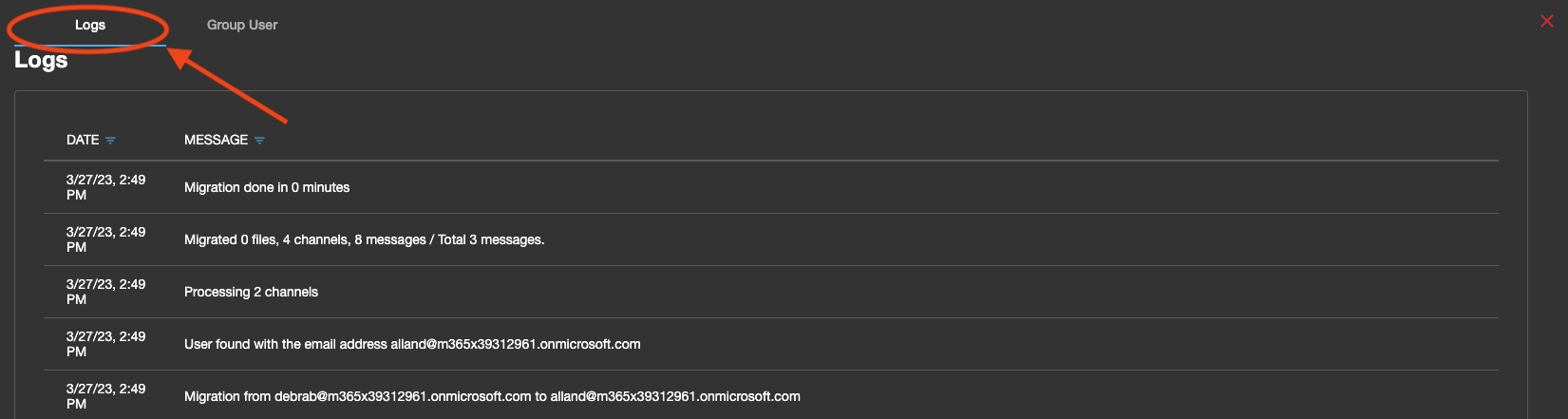
Access the Group User List under MIGRATION and click Get List to retrieve all Slack users.
2
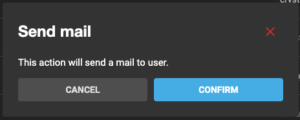
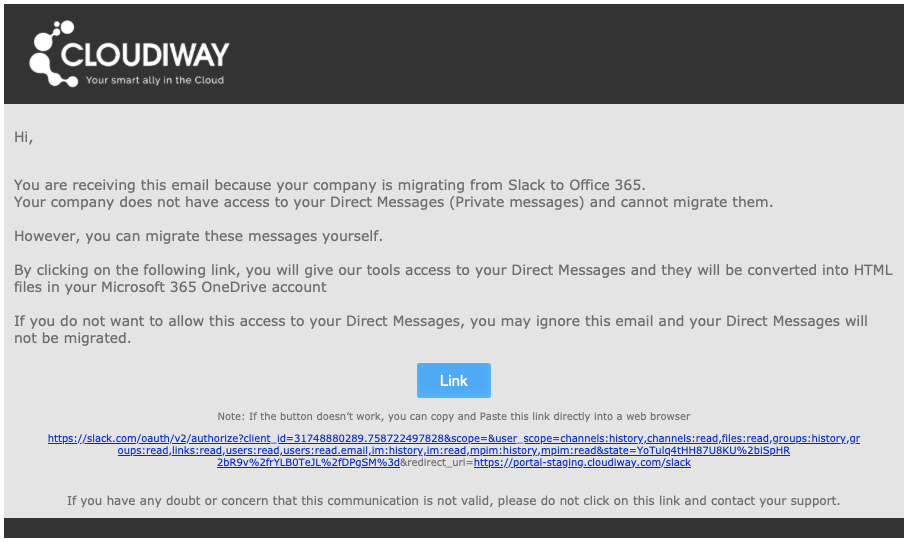
Send Consent Links
Select users and click Send Link to distribute authentication emails.
3
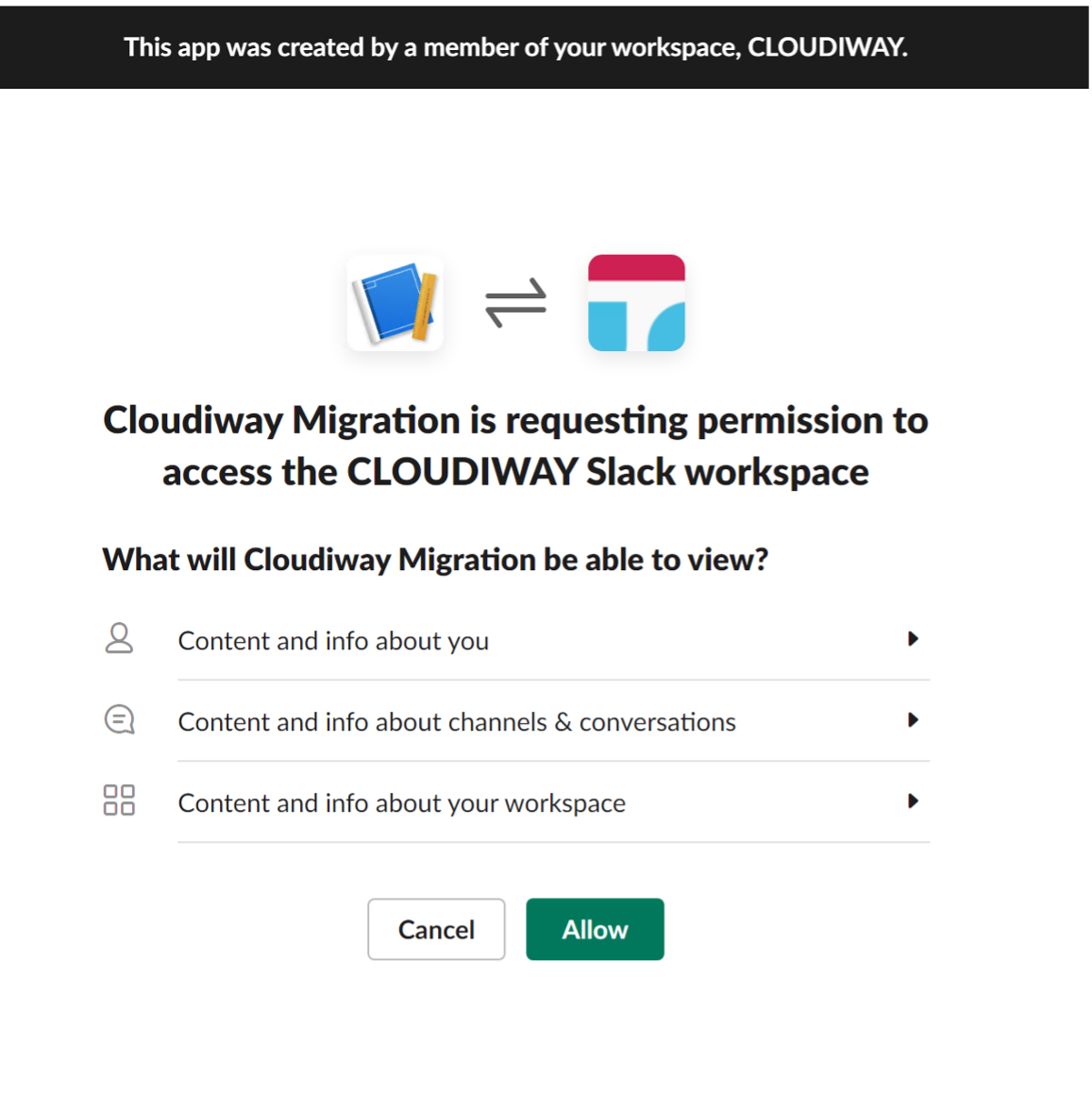
User Grants Permission
Users click the email link, which redirects them to Slack to grant DM access permission.
4
Token Generated
Upon consent, a user token is generated and sent to Cloudiway for processing.
Migration Process
What Happens After Consent
- • DM messages are extracted into HTML files organized per conversation
- • Files are uploaded to a "Slack" folder in the user's OneDrive
- • Only the 1000 most recent messages are injected into Teams chats
- • Older messages are stored in HTML files for reference
Technical Limitations
Important Notes
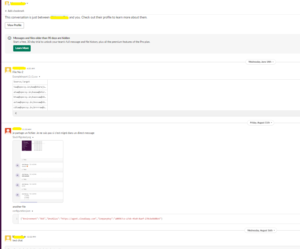
- • Message Attribution: Messages appear in Teams chats created by the migration account (Microsoft API limitation)
- • Timestamps: Each message displays the original creator and date in the body, but system timestamp reflects migration date
- • Message Limit: Only 1000 most recent messages per conversation are injected into chats
- • Cleanup: The migration account is removed from chats after completion
User Consent Required
Without individual user consent, direct messages cannot be migrated. Ensure
clear communication to users about the consent process.
Screenshots