Overview
The Cloudiway platform facilitates migrating Slack workspaces to Microsoft Teams, providing flexible options to map your Slack channels to Teams structures. Whether you're consolidating workspaces or transitioning your entire organization to Teams, Cloudiway offers three distinct migration approaches.
What Gets Migrated
Cloudiway's Slack migration transfers comprehensive workspace content to Microsoft Teams:
Channels
- Standard (public) channels
- Private channels
Content
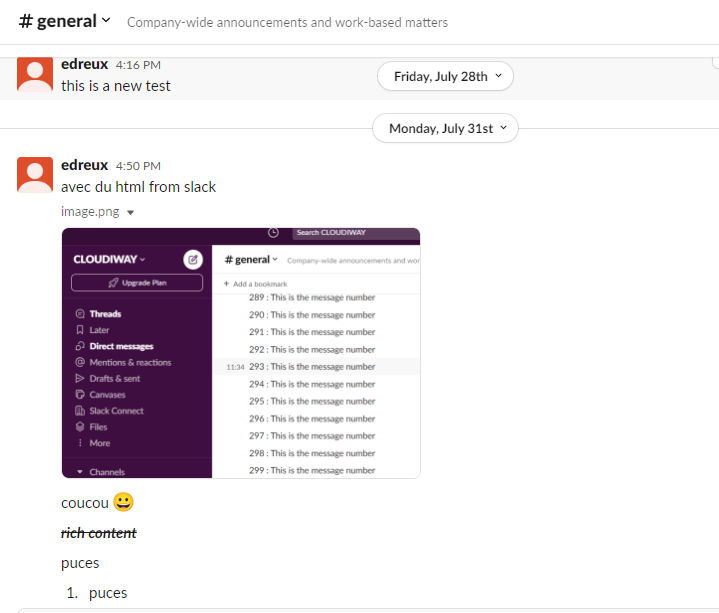
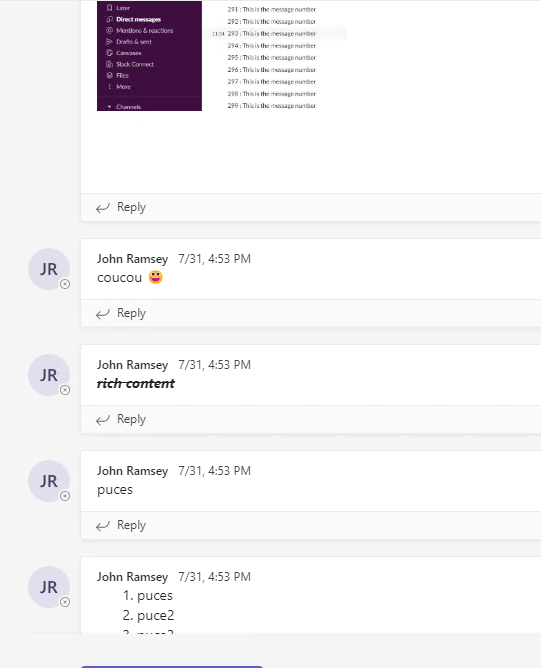
- Messages and threads
- File attachments
Direct Messages
- 1:1 direct messages
- Group direct messages
Conversation Handling
- Injected directly into Teams
- Overflow archived as HTML
Message Volume Options
Migration Options
Cloudiway offers three distinct approaches for mapping Slack channels to Microsoft Teams structures:
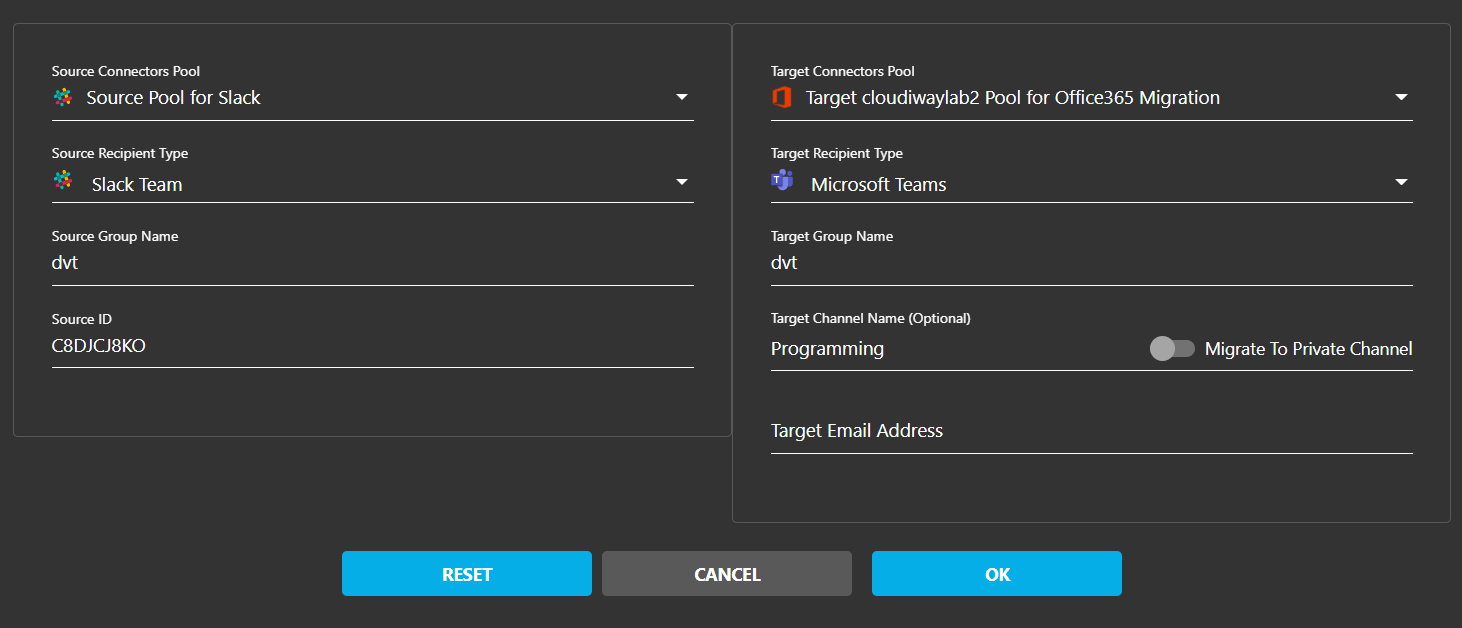
Option 1: Team-Level Migration
Migrate Slack channels into a Microsoft Team's default General Channel.
How It Works
- Specify only the Team name in the target field
- The system creates the Team if it doesn't exist
- Slack channel content migrates to the General channel
- Best for: Simple migrations with few channels per workspace
Option 2: Specific Channel Migration
Map Slack channels to specific channels within a Microsoft Team.
How It Works
- Enter both the Team name and Target Channel Name
- The platform creates missing Teams or channels during preprocessing
- Maintains 1:1 mapping between Slack and Teams channels
- Best for: Preserving channel structure after migration
Example Mapping
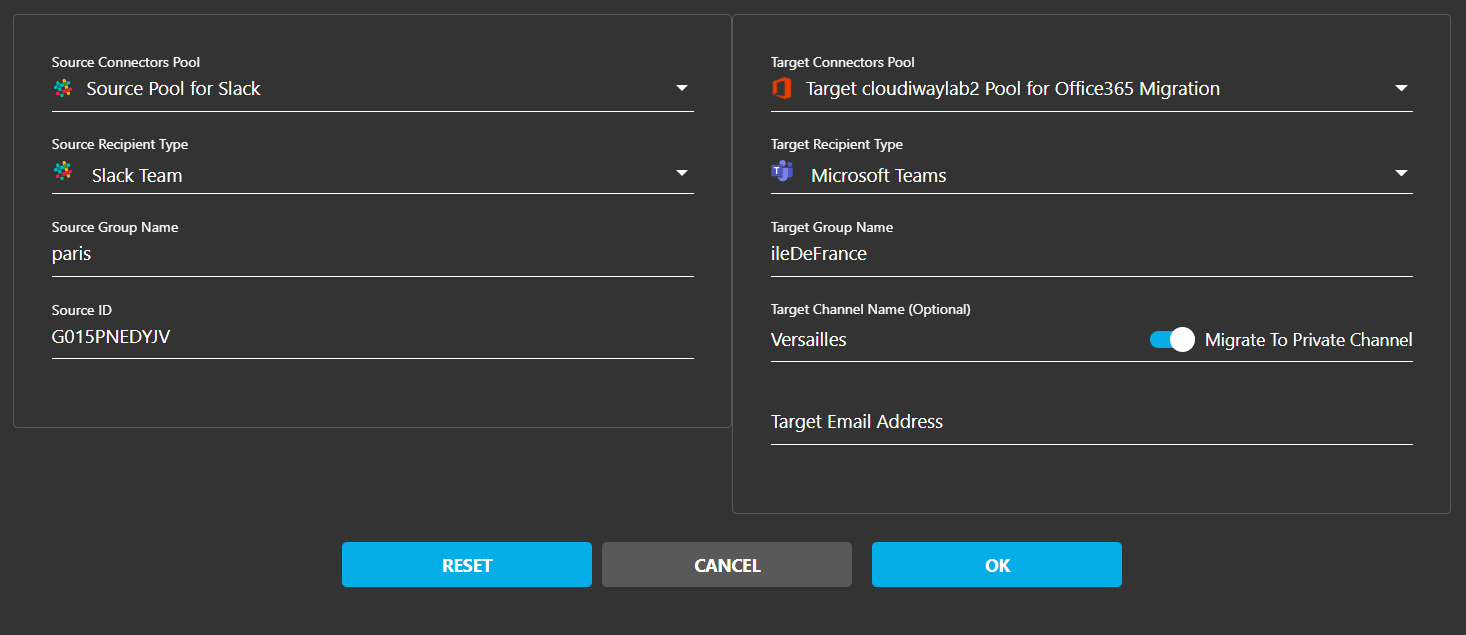
Option 3: Private Channel Migration
Migrate Slack private channels to Microsoft Teams private channels.
How It Works
- Enable the "Migrate to Private Channel" option
- Map Slack private channels to Teams private channels
- Preserves the private nature of the content
- Maintains membership restrictions
- Best for: Confidential team discussions and projects
Supported Slack Versions
Cloudiway supports migration from all Slack workspace types:
Free Tier
Free Slack workspaces
Pro & Business+
Paid Slack plans
Enterprise Grid
Enterprise Slack