Assign Exchange Role to Entra ID Application
Configure application roles for email migration scenarios.
Overview
This guide provides instructions for assigning Microsoft Entra roles to applications, specifically for email migration scenarios using Cloudiway.
Required Roles
Required Roles
Two Roles Must Be Assigned
Exchange Administrator
Provides management access to Exchange Online settings and mailboxes
Exchange Recipient Administrator
Provides access to manage recipient objects in Exchange Online
Assignment Steps
Access Entra Roles
Open the Azure portal and navigate to Microsoft Entra ID → Roles and administrators
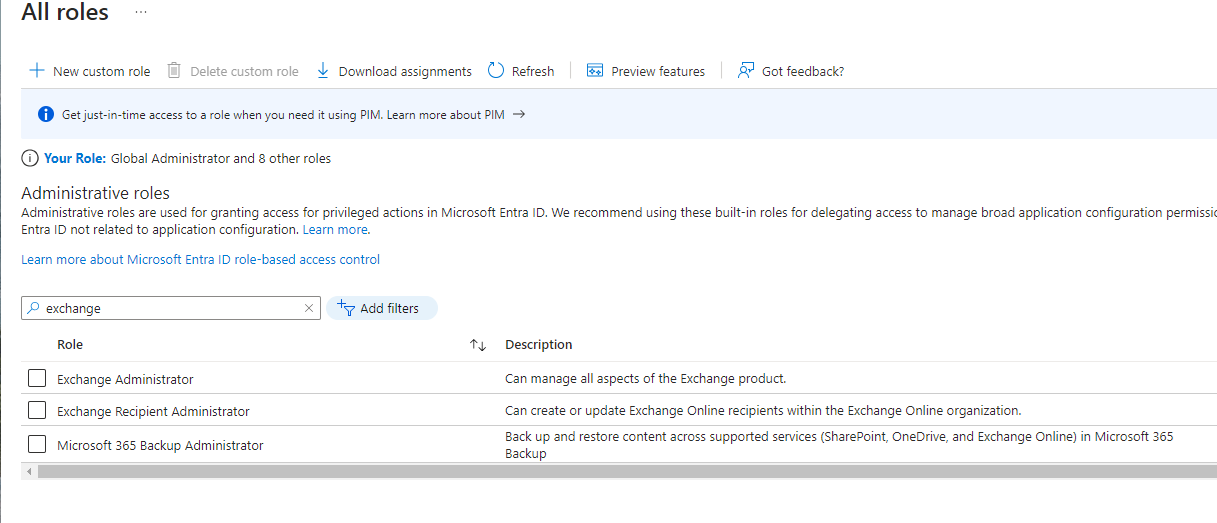
Select Exchange Administrator Role
Locate and select the Exchange Administrator role, then click to edit it
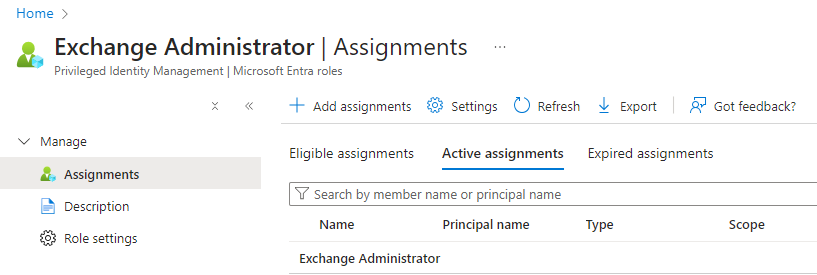
Add Assignment
Click the "Add assignments" button to begin assigning the role
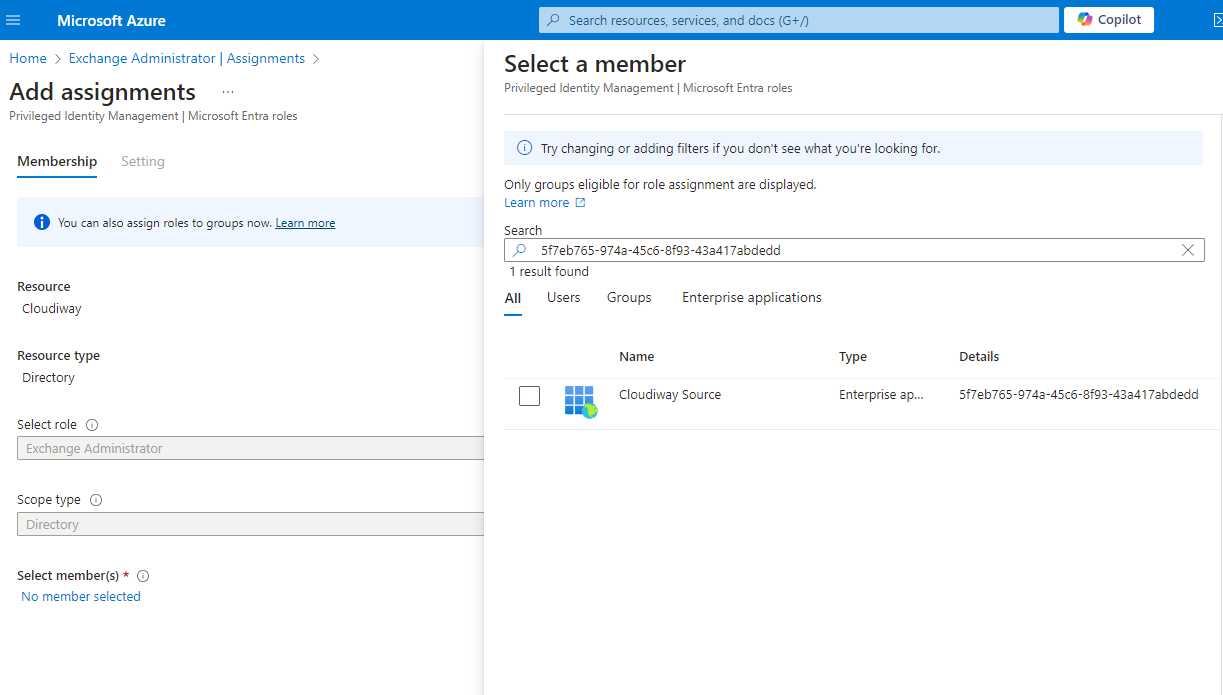
Select Your Application
Search for and select the application you created from the available options
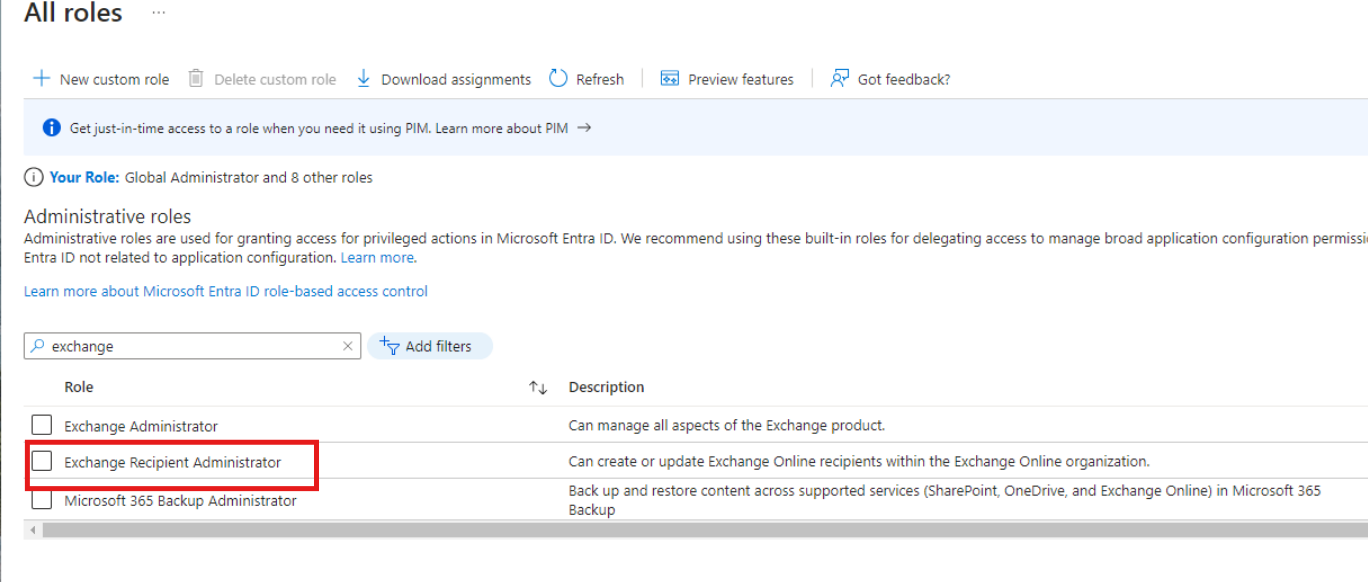
Repeat for Exchange Recipient Administrator Role
Repeat all steps above for the Exchange Recipient Administrator role
Automatic Cloudiway Connectors
Application IDs for Automatic Connectors
When using automatic connectors, include these application identifiers:
Source Connector
5f7eb765-974a-45c6-8f93-43a417abdedd
Target Connector
ac1e5a45-2177-412c-ac06-09ba04df530a