Password and MFA Settings
Secure your Cloudiway account with strong passwords and multi-factor authentication.
Last updated: 2025-01-15 Account Settings
Overview
Cloudiway provides robust security options for your account, including password management and multi-factor authentication (MFA). These features help prevent unauthorized access to your migration projects and sensitive data.
Security Layers
🔑
Password
First factor
+
📱
MFA Code
Second factor
=
🛡️
Secured
Account protected
Password Management
Changing Your Password
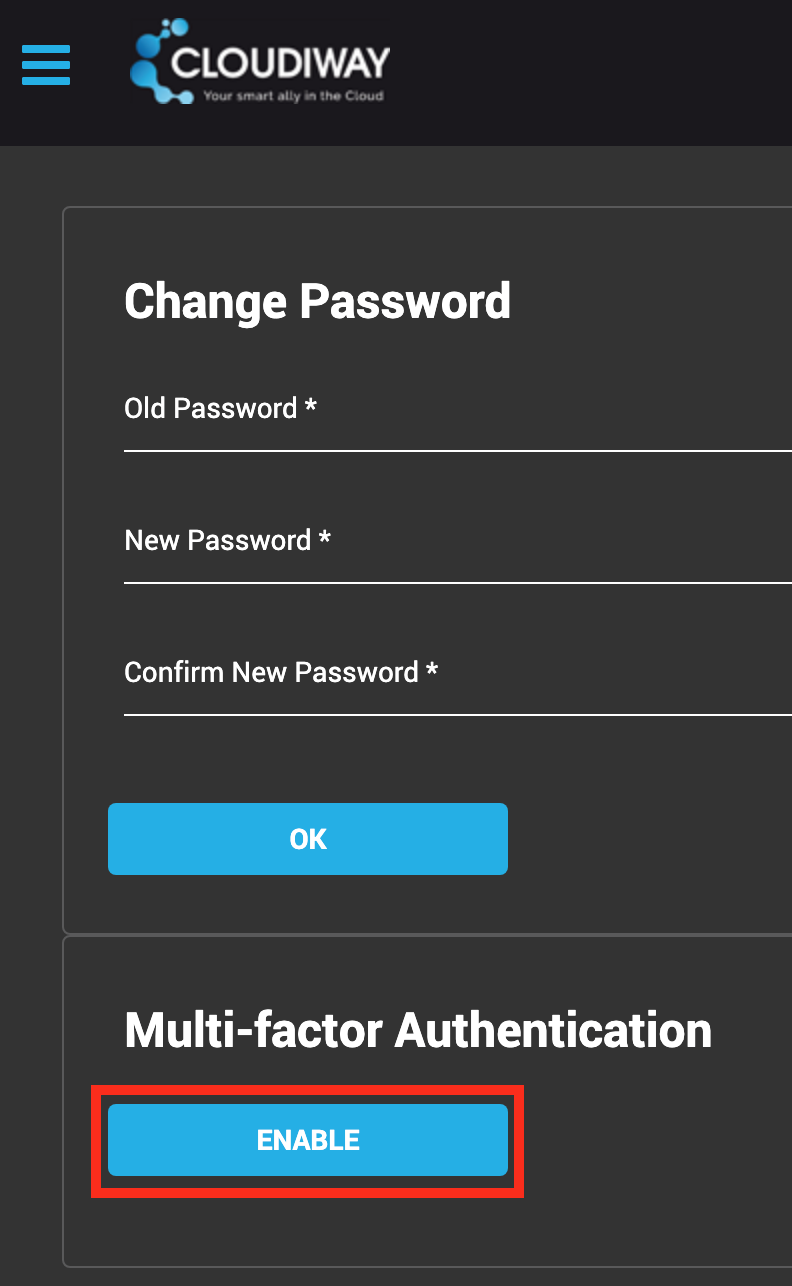
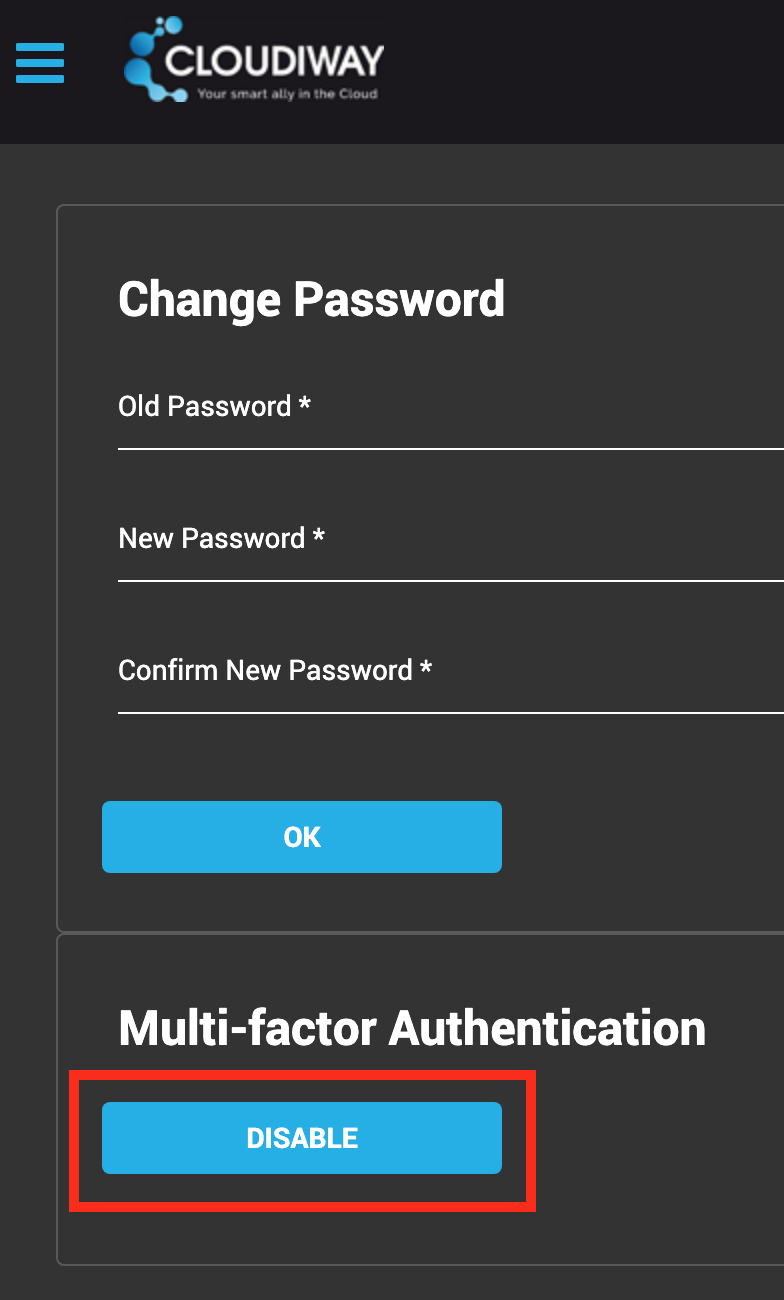
- 1 Navigate to Account > Password and MFA
- 2 Enter your current password
- 3 Enter and confirm your new password
- 4 Click OK to save
Forgot Your Password?
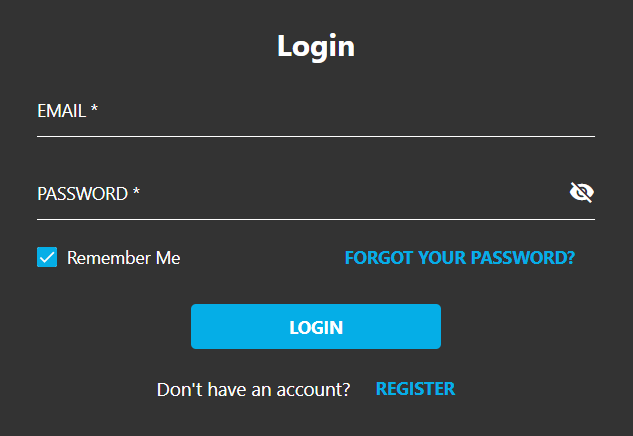
- 1. Go to the Cloudiway portal login page
- 2. Click "FORGOT YOUR PASSWORD?"
- 3. Enter your registered email address
- 4. Submit the form to receive a password reset link
Multi-Factor Authentication
What is MFA?
Multi-Factor Authentication (MFA) provides enhanced security by requiring two different forms of identification to access your account. This prevents unauthorized access even if your password is compromised.
Enabling MFA
- 1. Navigate to Account > Password and MFA
- 2. Click the ENABLE button
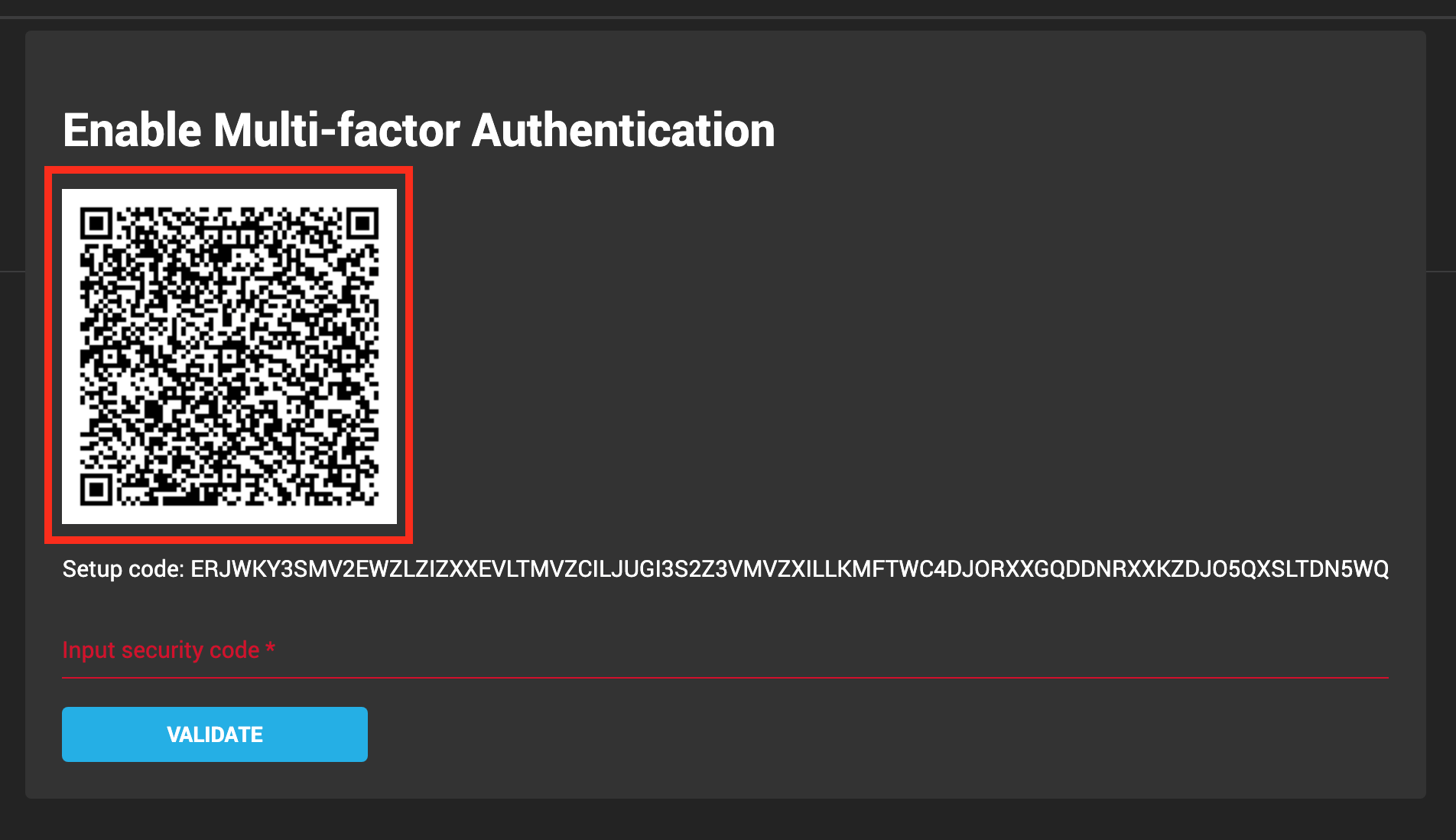
- 3. Verify using one of these methods:
- • QR Code: Scan with an authenticator app (Google Authenticator, Microsoft Authenticator, etc.)
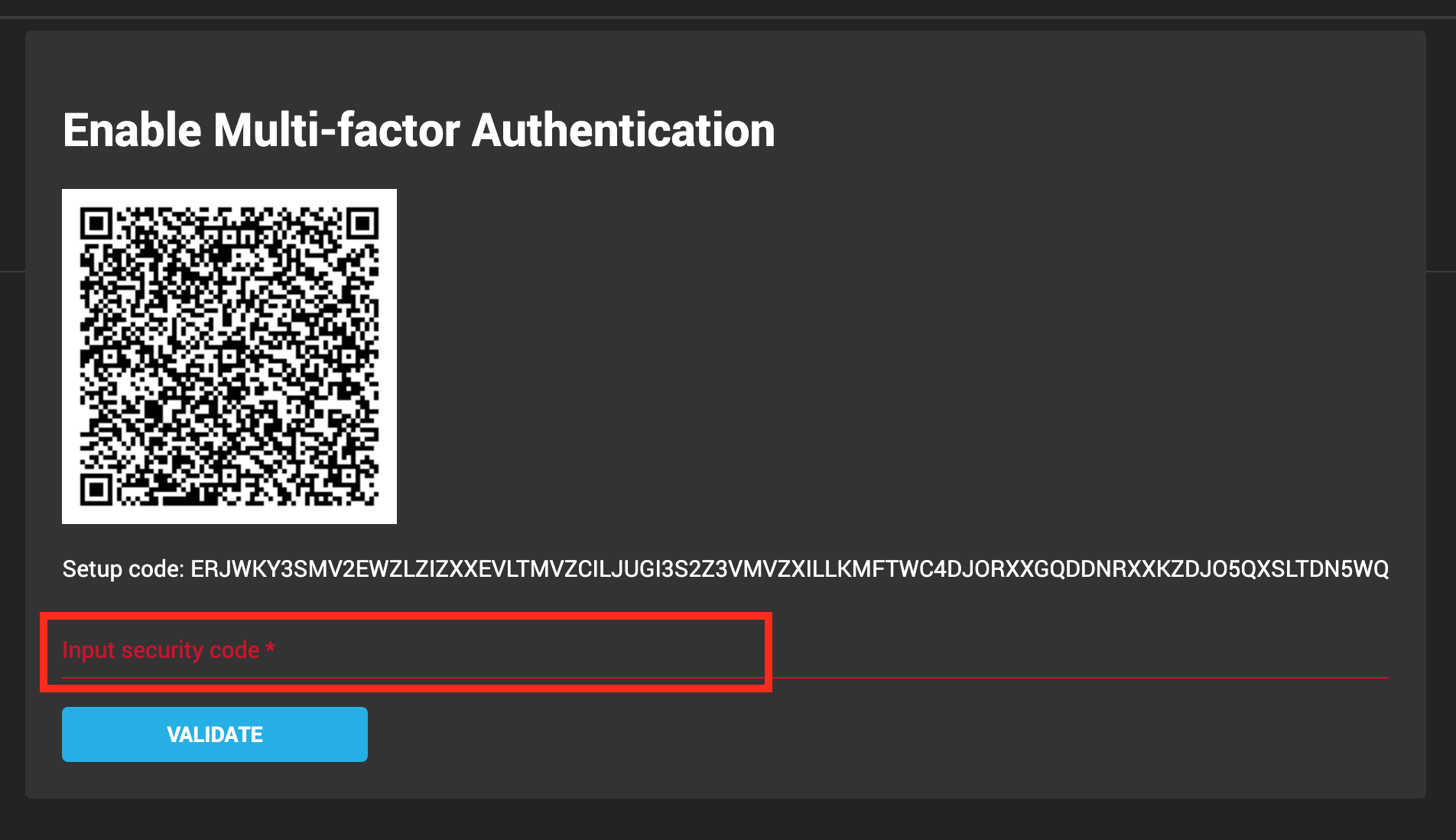
- • Manual Code: Enter the unique code in your authenticator app
- 4. Enter the verification code to confirm setup
Disabling MFA
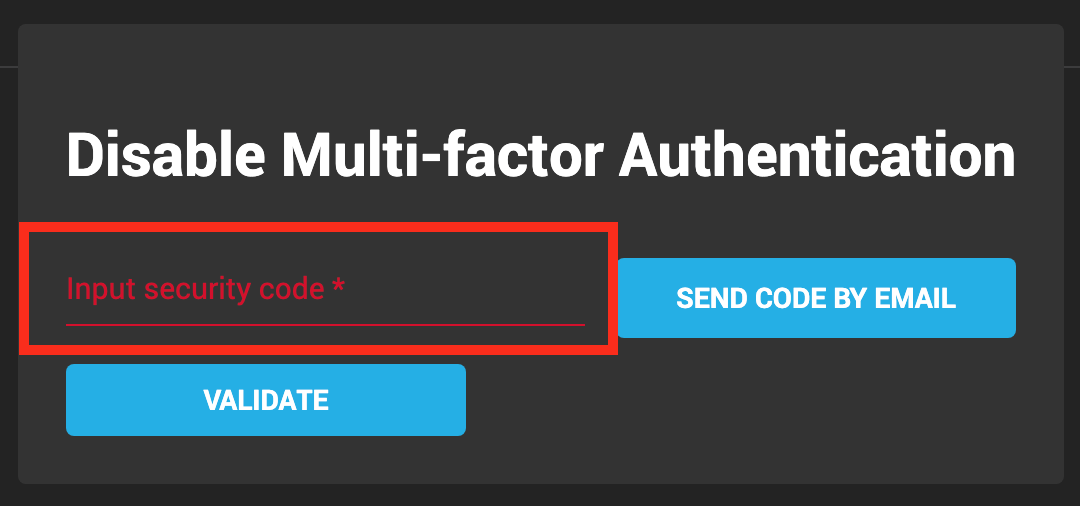
- 1. Navigate to the MFA section in your account settings
- 2. Click DISABLE
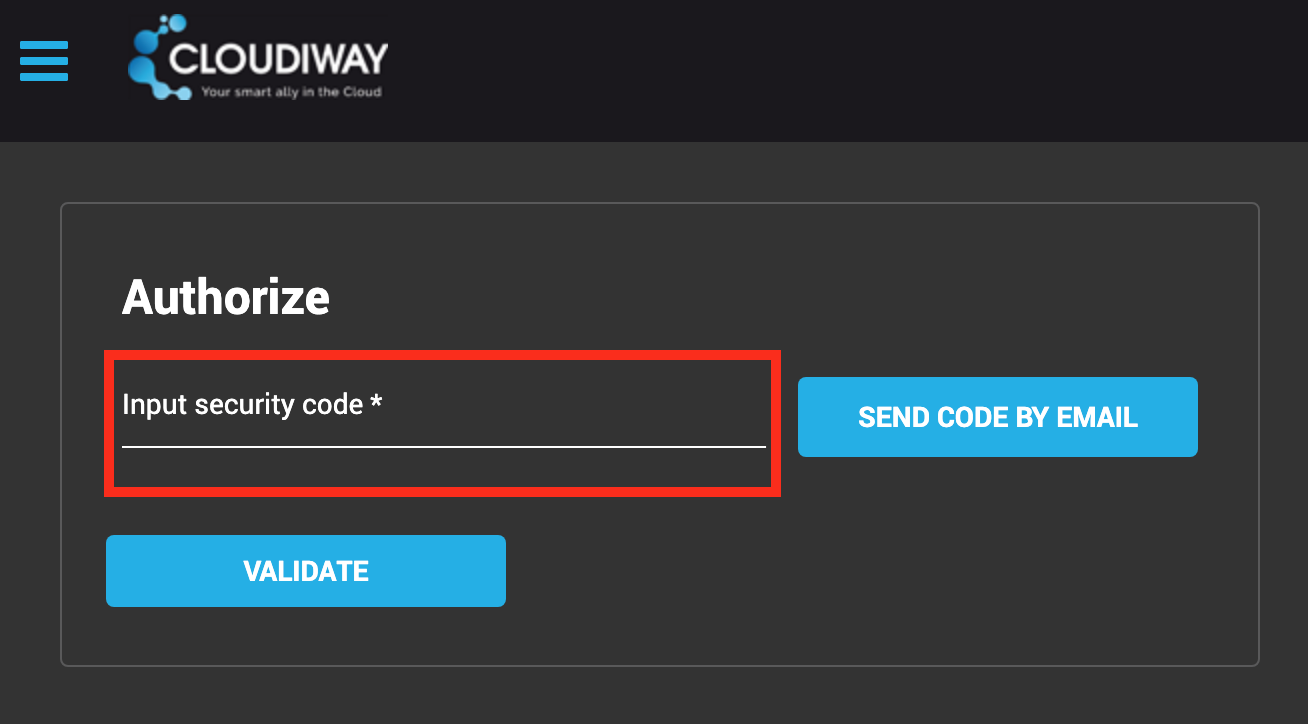
- 3. Verify your identity using your authenticator app or email code
Logging In with MFA
When MFA is enabled, login requires three pieces of information:
- • Username: Your registered email address
- • Password: Your account password
- • Verification Code: Obtained from your authenticator app or via email
No Mobile Device?
Users without access to a mobile device can always receive verification codes via email
as an alternative to authenticator apps.
Screenshots