Purchase Licenses in Cloudiway Platform
Buy migration licenses directly through the Cloudiway online shop.
License Purchase Flow
Overview
The Cloudiway platform allows users to buy migration licenses directly through the online shop using a credit card. Licenses are automatically added to your account upon successful payment and are immediately available for use.
Credit Card
Secure online payment
Instant Access
Licenses added immediately
Invoice
Automatic receipt generation
Purchase Steps
Access the Shop
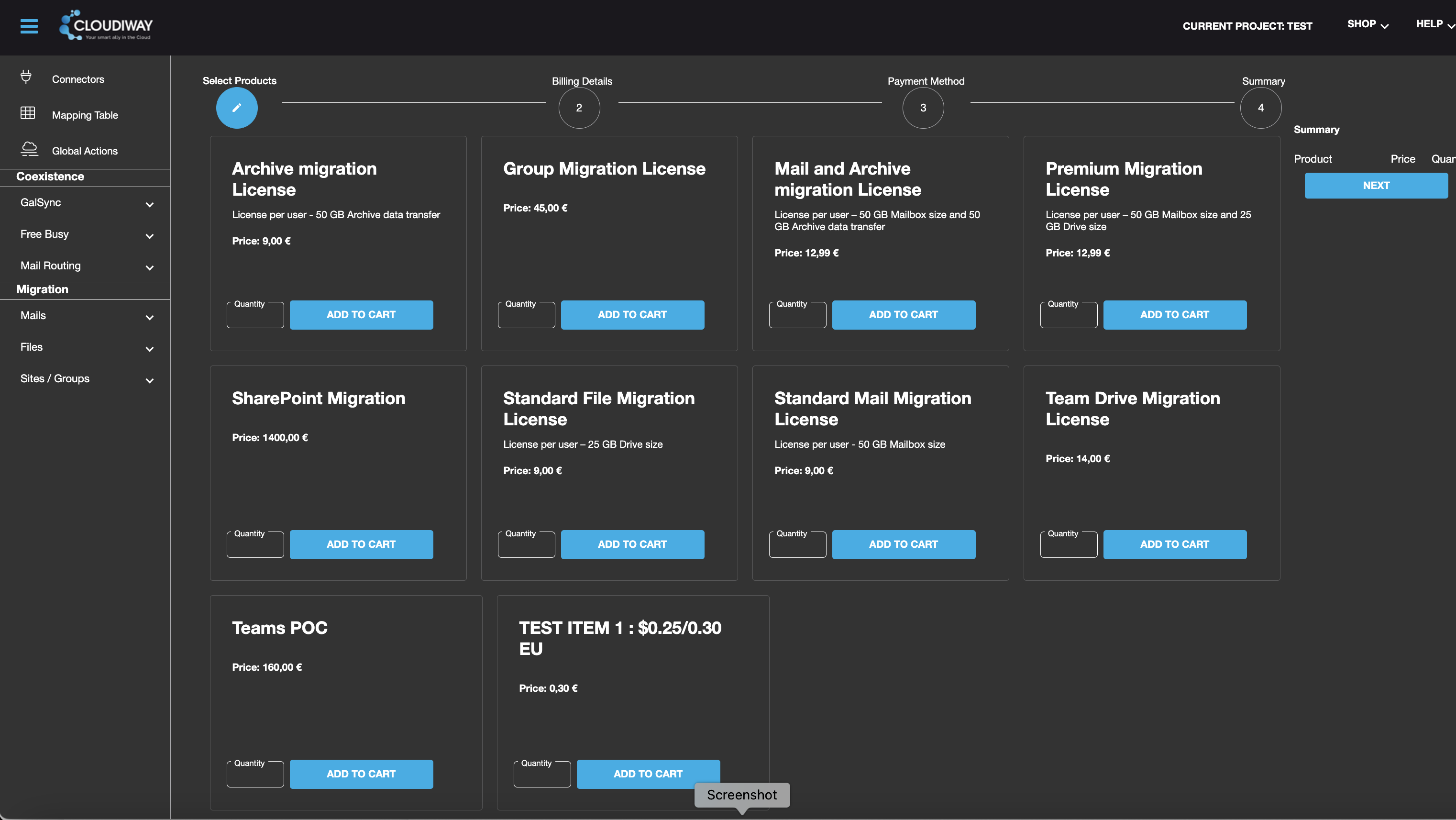
Log into the Cloudiway platform, navigate to the upper right corner, click "Shop" and select "Buy Licenses".
Select Licenses
Choose the license types and quantities you need. Click "Add to Cart" for each selection. Review your choices in the summary tab on the right.
Review Cart
Review and confirm your licenses in the cart, then press "NEXT" to proceed.
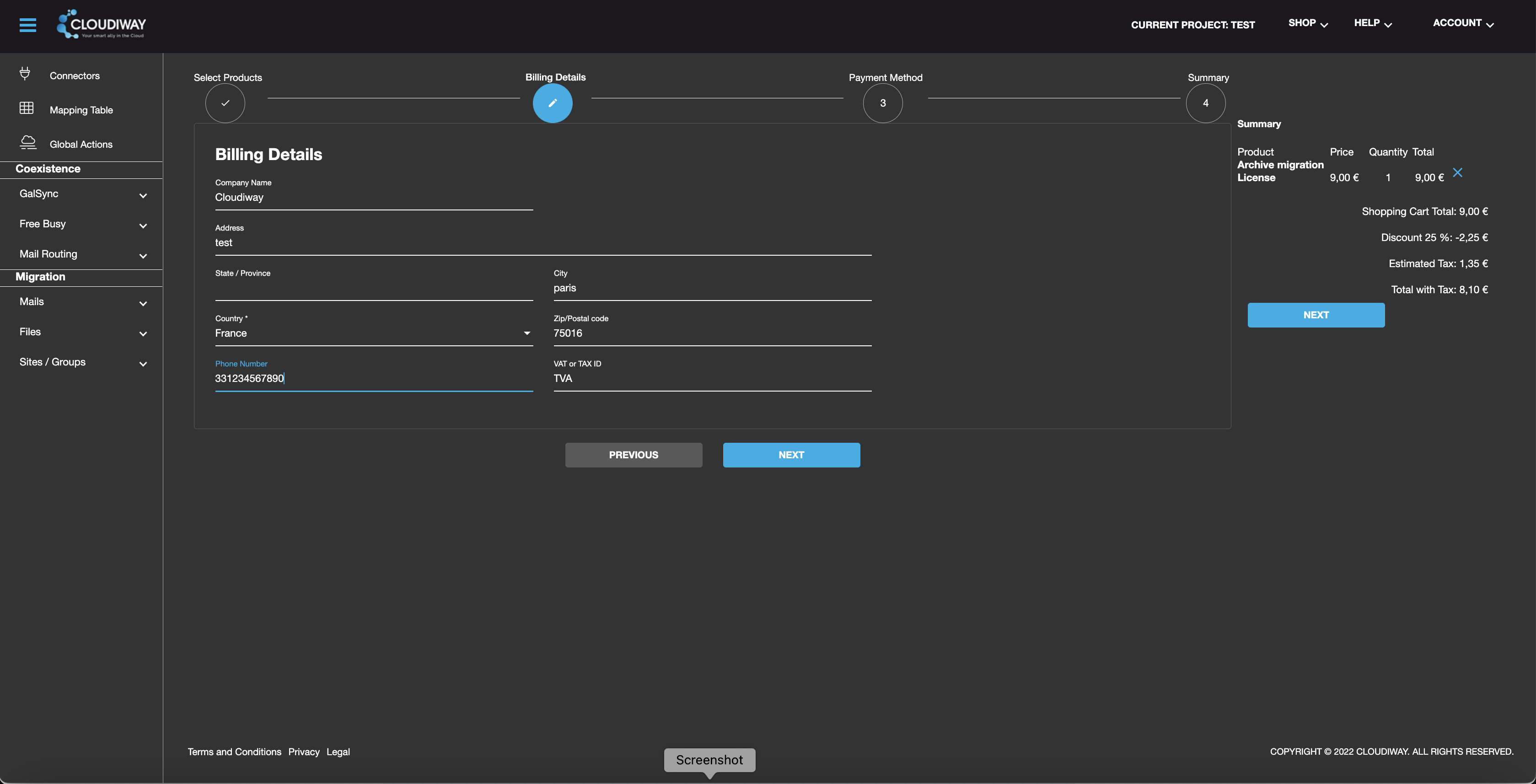
Enter Billing Details
Review your billing details and proceed to the next step.
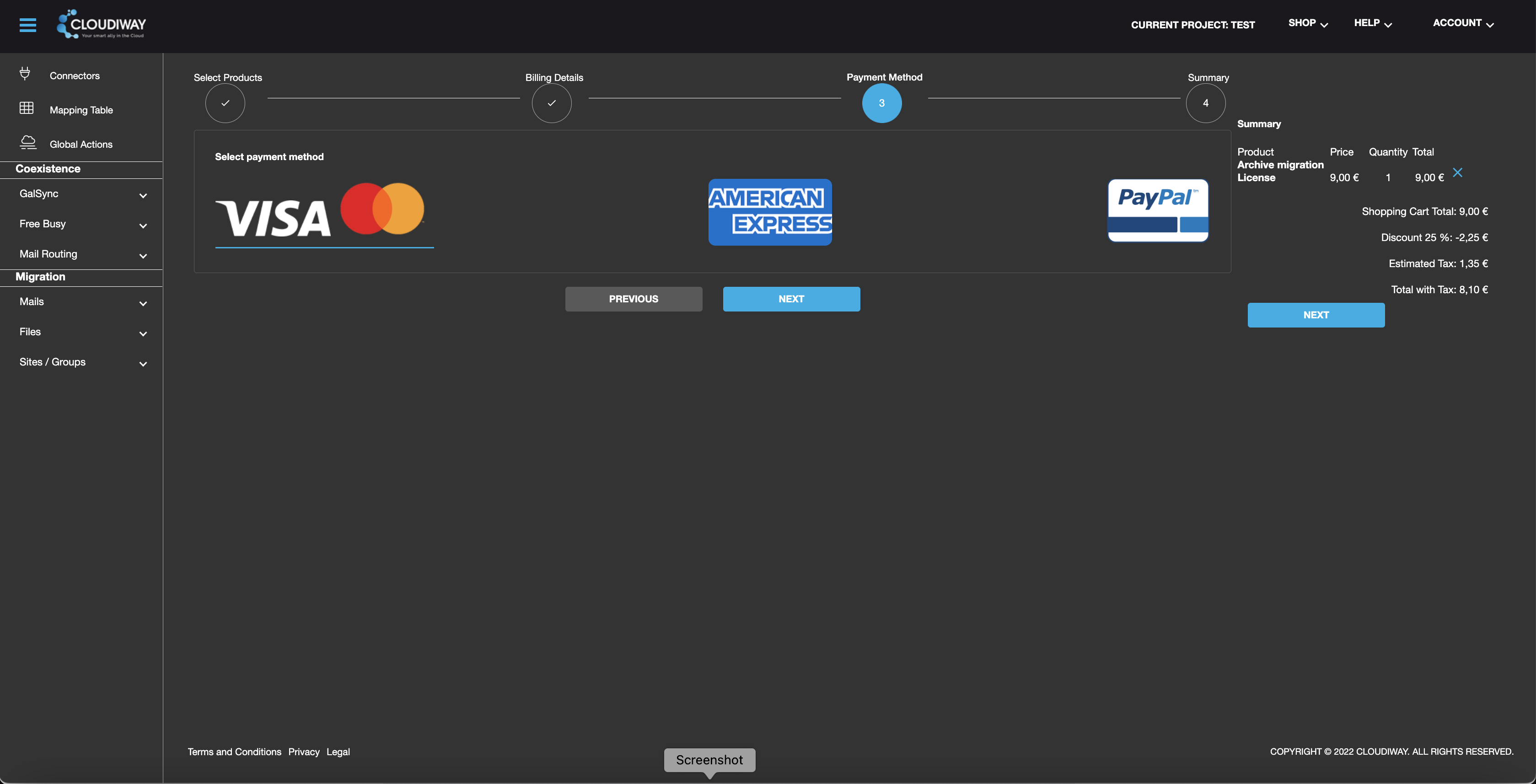
Select Payment Method
Choose your preferred payment method (credit card) and continue.
Complete Checkout
Review your order summary, click "Checkout" to access the payment page, enter your payment information, and click "Pay".
Confirmation & Access
✅ After Successful Payment
- ✓ Receive payment confirmation
- ✓ Licenses automatically added to your account
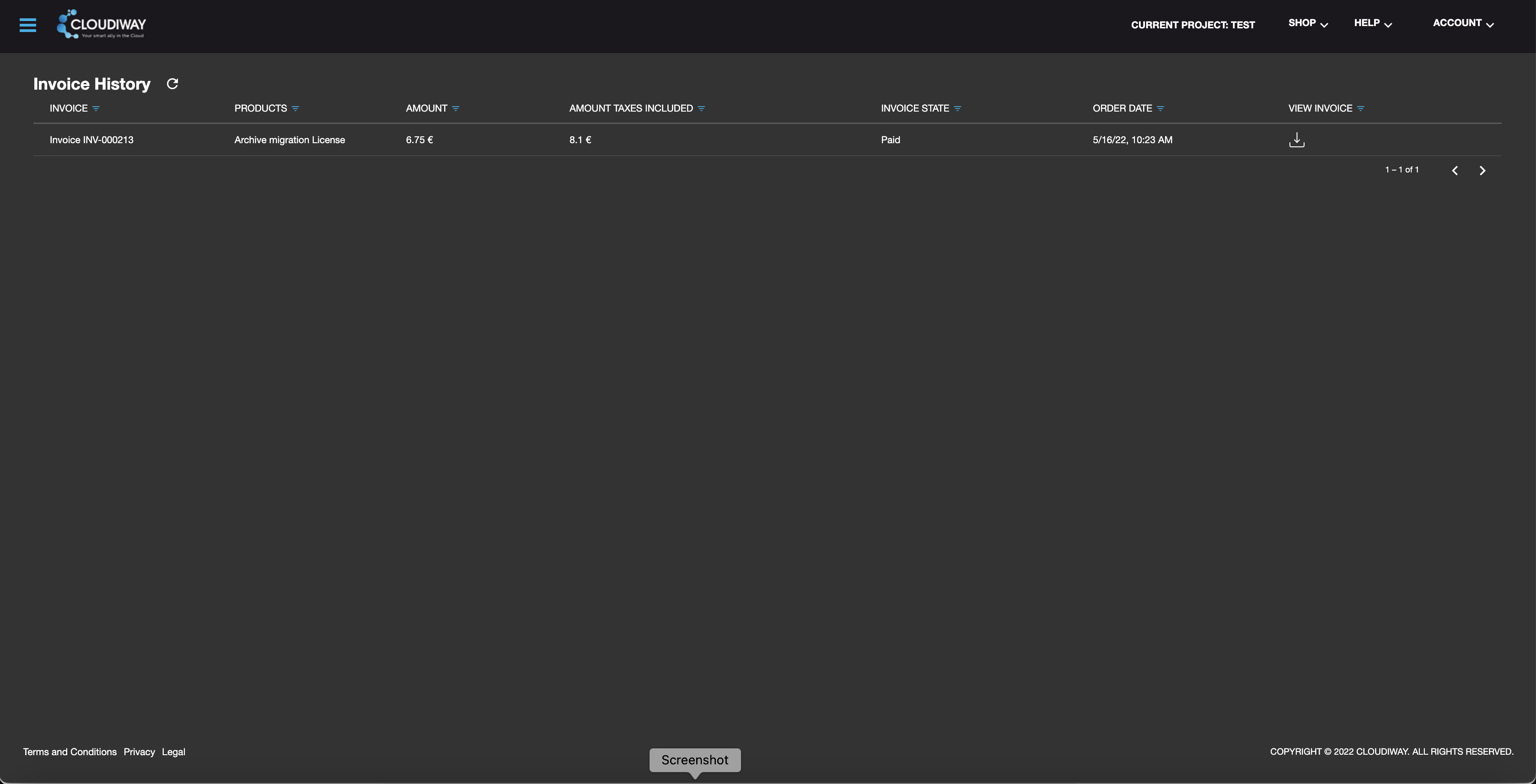
- ✓ Access the Invoice section to review purchase history
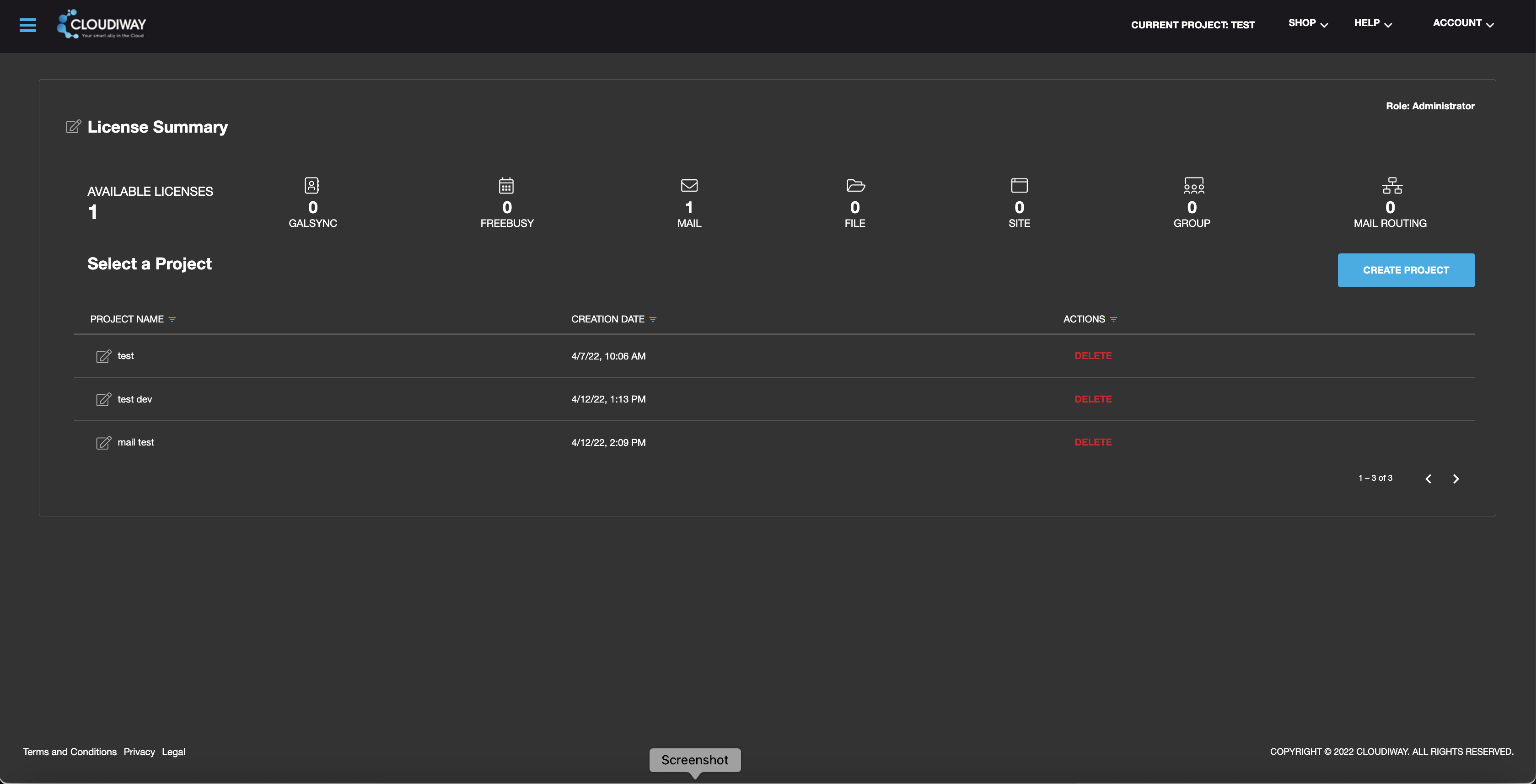
- ✓ Licenses appear on the main platform screen for immediate use
Special Cases
Custom Quotes Required
Certain migration projects requiring customized quotes need direct contact with the sales team. This applies to:
- Large enterprise migrations
- Custom pricing arrangements
- Volume discounts
- Special licensing requirements
Screenshots