License to Migrate Mail Archives
Understanding licensing options for archive migrations.
Licensing Options
Separate Licenses
Mail License + Archive License
Purchase individually
Combined License
Mail + Archive License
Cost-effective option
Overview
When migrating mail archives from Google Vault or Office 365 In-Place archives, you need appropriate licensing to process the archive data. Cloudiway offers flexible licensing options to match your migration requirements and budget.
Same Migration Process
License Types
Option 1: Separate Licenses
Purchase individual licenses for mail and archive migration:
- • Mail Migration License: For standard mailbox content
- • Archive Migration License: For archive-specific content
Use case: Best when migrating archives separately or for users who only have archives without active mailboxes.
Option 2: Combined License (Recommended)
The Mail and Archive migration license covers both mailbox and archive content in a single license, reducing overall migration costs.
Cost Benefit: Significantly reduces expenses compared to purchasing separate mail and archive licenses.
Supported Archive Systems
Google Vault
Google Vault mail archives can be migrated to your target platform using the standard mail migration process.
Office 365 In-Place Archive
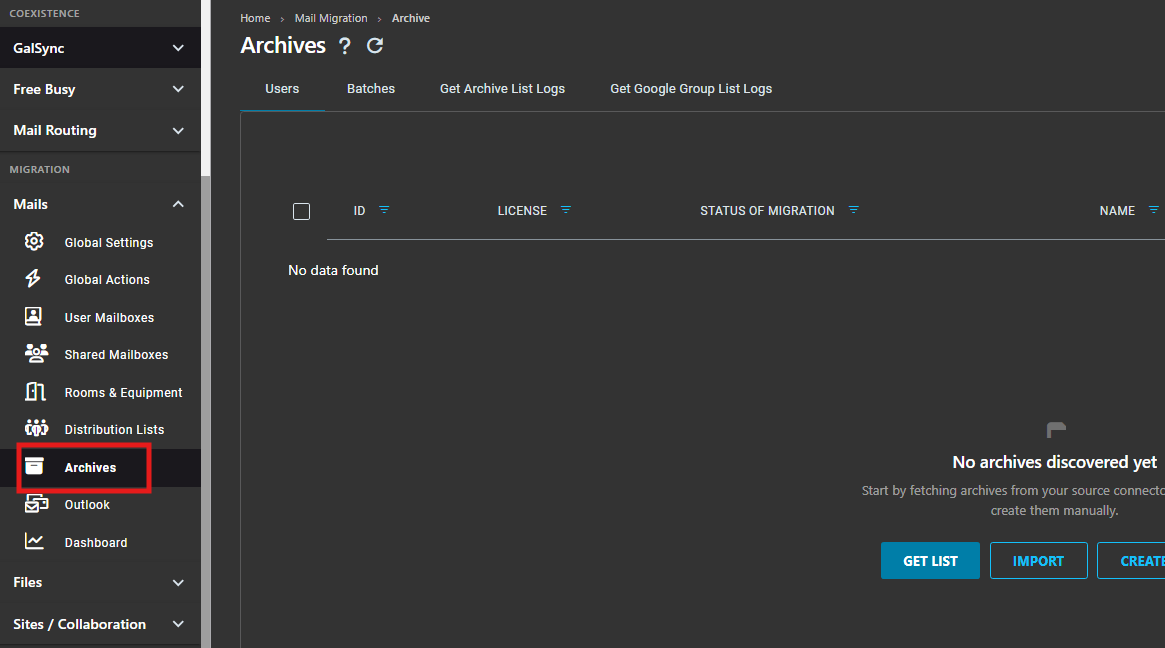
Office 365 In-Place archives are fully supported, however in-place archive migration needs to be performed separately under the "Archives" tab.
Best Practices
1. Assess Your Archive Inventory
Before purchasing licenses, determine how many users have archives and the total archive size to select the most cost-effective licensing option.
2. Use Combined Licenses When Possible
If migrating both mailboxes and archives for the same users, the combined Mail and Archive license provides the best value.
3. Set Up Dedicated Lists
When using separate archive licenses, create a dedicated migration list specifically for archive migrations to track progress independently.