How Cloudiway Uses Google Import APIs
Understanding the technical process behind high-performance Google Spaces migration using Google's Import APIs.
Google Import API Migration Process
Overview
Cloudiway leverages Google Import APIs to optimize throughput when migrating to Google Spaces. This approach provides significantly better performance than standard APIs and preserves original message metadata including creation dates and creator information.
The migration process consists of five key steps: creating a space in migration mode, establishing channels in migration mode, importing messages, completing the migration, and adding team members.
Migration Mode Prerequisite
Critical Requirement
The Import API can be leveraged only if the Space has been created in Migration Mode. Creating a Space in Migration Mode can only be done programmatically.
Spaces must be created through Cloudiway's platform to access these optimized APIs. If migration targets an existing space not created in migration mode, the system automatically reverts to standard, non-optimized APIs.
Automatic Handling
Migration Process
Step 1: Create Space in Migration Mode
The preprocessing step automatically creates Google Spaces in import mode. During this phase, spaces are not visible to end users.
Step 2: Create Channel in Migration Mode
Channels are similarly created in import mode when possible, enabling high-throughput message import within the space structure.
Step 3: Import Messages
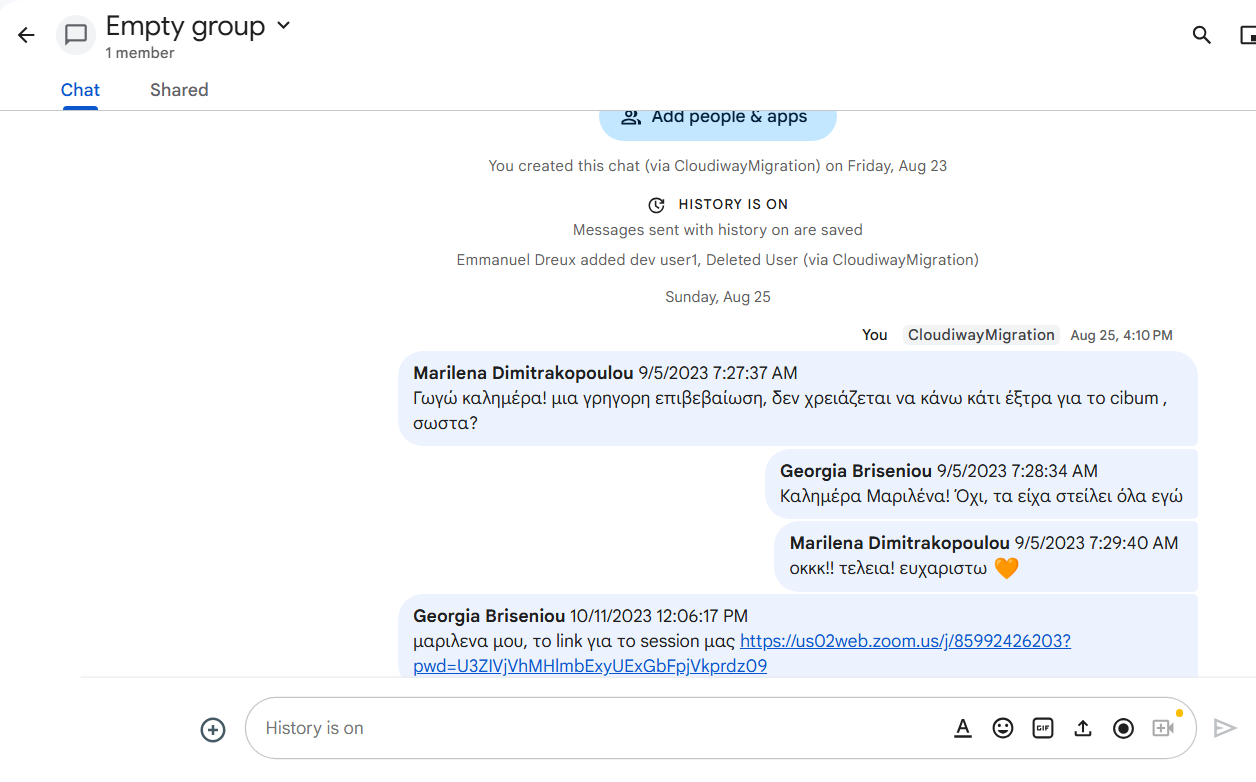
With spaces and channels in import mode, messages are imported using the optimized Import APIs. This supports thousands of messages per hour with preserved metadata.
Step 4: Complete Migration
Running the Post Migration Job closes the Google Space, making it visible to users and finalizing the migration process.
Step 5: Add Members
Team membership is migrated after the space is closed, allowing users to access their migrated content.
Key Benefits
High Performance
Import thousands of messages per hour, significantly outperforming standard APIs
Preserved Metadata
Original creation dates and creator information are maintained
Correct Order
Messages are automatically reordered chronologically by Google
Delta Passes
Post-Migration Phase
Once migration is complete, running the Post Migration Job performs several critical steps:
Post Migration Job Actions
- • Executes a final delta pass to capture recent messages
- • Closes the Google Space, making it visible to users
- • Migrates membership to allow user access
API Limitations After Closure
Screenshots