Migrate IMAP Servers
Migrate mail from any IMAP server to cloud platforms.
IMAP Migration Targets
Overview
Cloudiway enables migration of IMAP servers to Google Workspace, Office 365, or Exchange platforms. The platform supports multiple migration modes to accommodate different environments and security requirements.
Internet Accessibility Required
Migration Modes
Administrator Account Mode
Use this option when it is possible to define an administrator account with access to all mailboxes.
Benefits:
- • No user involvement required
- • Administrators migrate mailboxes without individual passwords
- • Centralized control over the migration process
Self-Service Migration
When administrator accounts aren't feasible, users receive an email with a migration link and handle their own migration.
How it works:
- User receives email with migration link
- User clicks link and enters IMAP credentials
- Migration runs automatically on Cloudiway's servers
- User can close browser without interrupting the process
Migration Process
Create Connectors
Configure an IMAP source connector and a target connector (Office 365, Google Workspace, or Exchange) through the Cloudiway portal.
Configure Server Settings
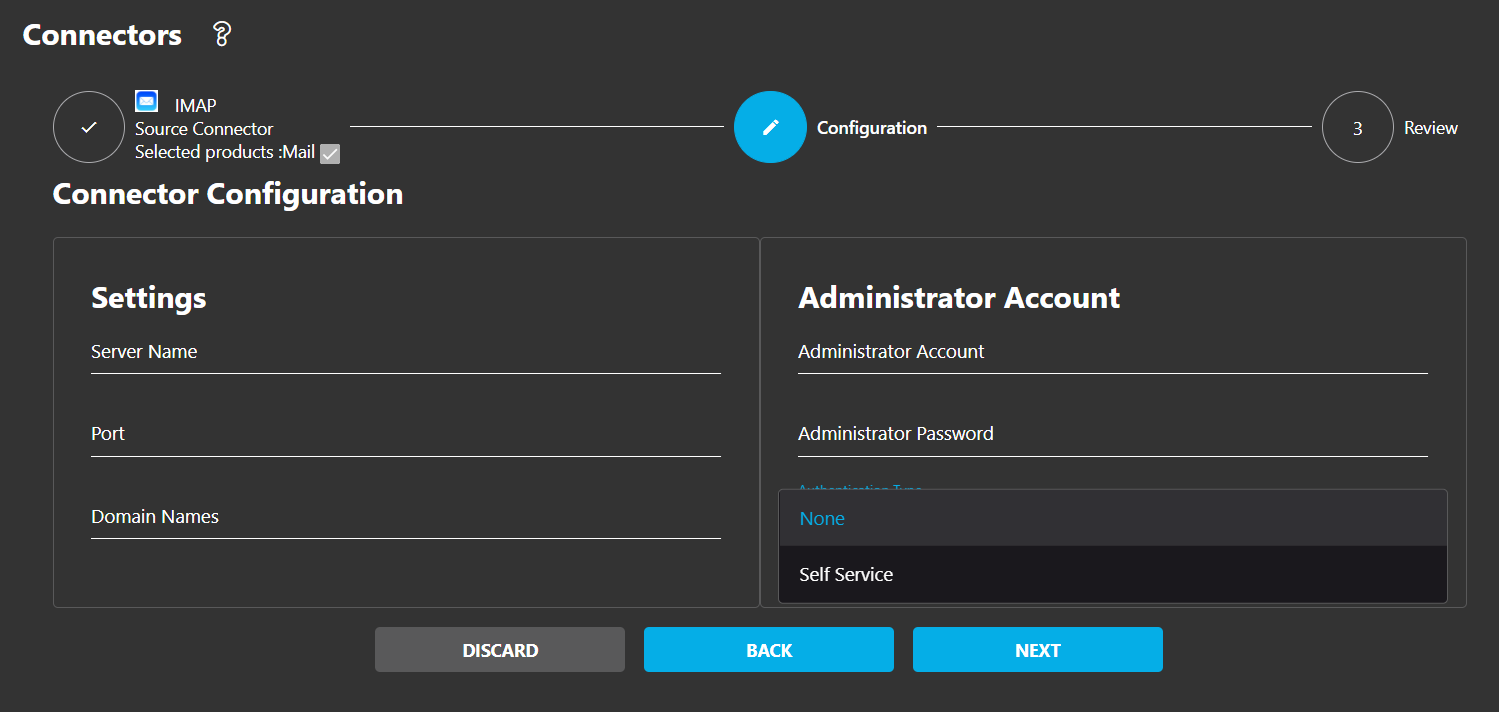
Specify server details including domain, server name, and port. The IMAP server must be accessible from the internet.
Set Global Parameters
Define what content to migrate through the Global Settings option.
Populate User List
Add users via manual creation, CSV import, or automated retrieval.
Execute Migration
Select users and initiate migration. Batches are scheduled based on availability.
Special IMAP Server Types
Postfix
Lacks admin account capabilities. Use identical "magic passwords" across all accounts.
Configuration: Leave the administrator username field blank. The platform uses the administrator password as authentication credentials for each user account.
Cyrus
Cannot support admin accounts with universal mailbox permissions.
Recommendation: Use self-service migration mode instead.
Magic Password Authentication
When the administrator username field remains empty, the platform uses the administrator password as authentication credentials for each user account. This is useful for servers with a universal password configured for migration purposes.
Screenshots